New URS Member Portal
URS has launched a new member portal to make managing your URS benefits easier and more secure.
You need your new URS Member ID to create an account. Find it by logging in to the Classic myURS Portal using your previous username and password. Your seven-digit Member ID is displayed at the top of the page. You may have also received it in the mail.
New Member Portal
» Now available to manage your URS benefits.
» From the login page, select "New Member Portal" at the bottom right.
» You need your new Member ID to log in. Get it at the Classic myURS Portal. You may have also received it in the mail.
» This video provides troubleshooting tips for creating your account and loggin in.
Classic myURS Portal
» Will remain available for a limited time.
» From the login page, select "Classic myURS Portal" at the bottom left. Use your previous username and password.
» Find your new Member ID. It's a seven-digit number shown at the top of the page.
» If you can't access the Classic Portal, this video shows how to request your new Member ID.
Video Tutorial
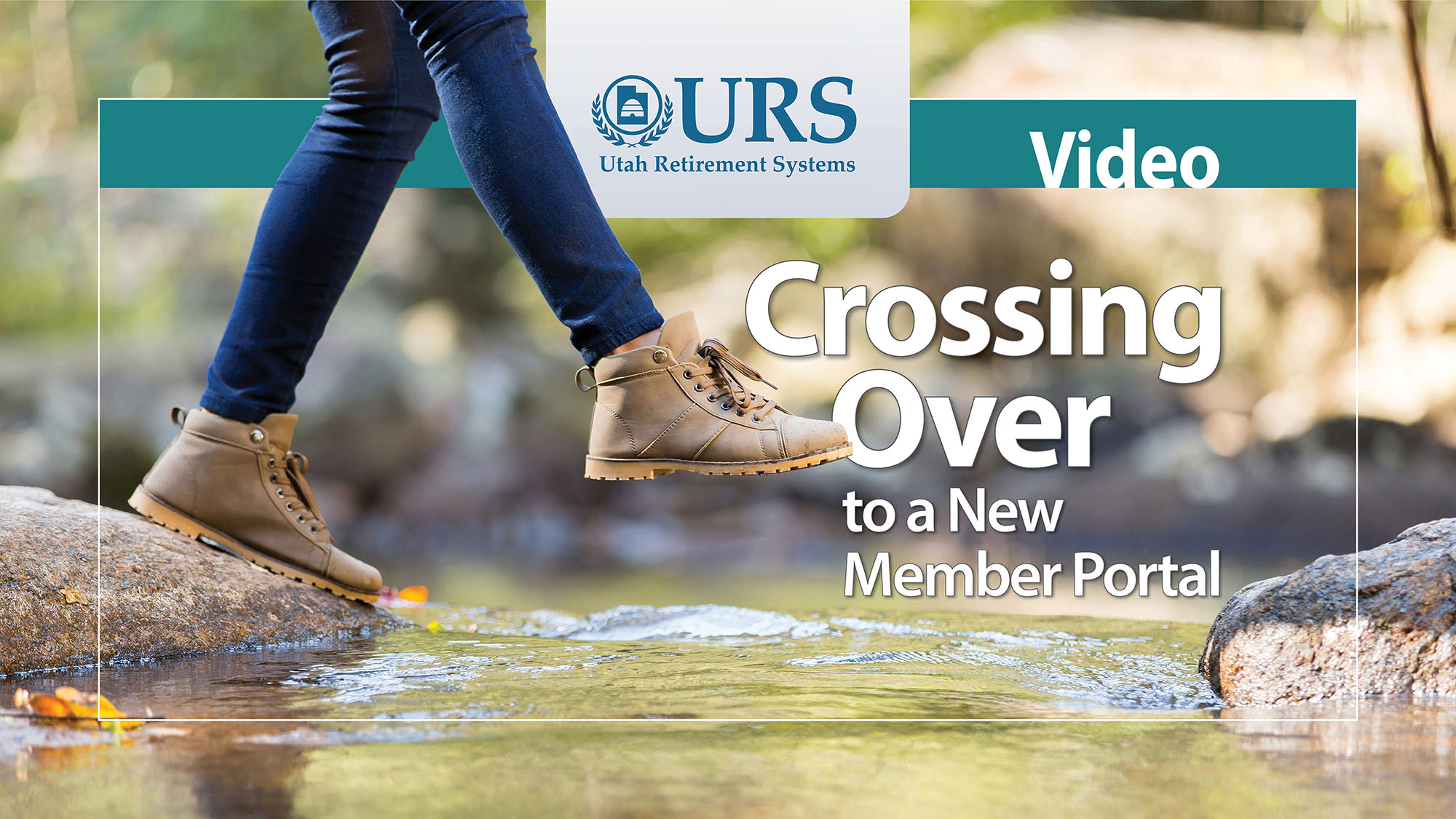
This video shows how to get your new URS Member ID and get started on the New Member Portal.
URS ViewPoint
Stay up to date with the latest news and information about your benefits. Read the newsletter for active URS members.
Questions?
Learn more about your benefits with our publications and training.
Financial Wellness
Free URS resources can help you improve your finances.
Access Your Benefits
Create a myURS account to manage accounts, change beneficiaries, and more.
